DocuGenius logo

Deep Integration with Feishu

Use DocuGenius across Feishu Base, Feishu Approval, low-code tools, Feishu Projects, and integration platforms to generate documents in one click and close the automation loop.

What Does Deep Feishu Integration Mean?

DocuGenius embeds document generation and print workflows directly into the Feishu ecosystem. In Feishu Base, it works as a plugin that uses records and linked details to generate PDF, image, and Office outputs. In Feishu Approval, it connects approval data and attachments to custom print templates and batch export. Combined with automation and low-code tools, it can generate files on triggers or schedules, write them back to attachment fields, and distribute them by email or message. Open APIs and tenant-level authentication also make it easy to orchestrate everything through broader integration platforms.

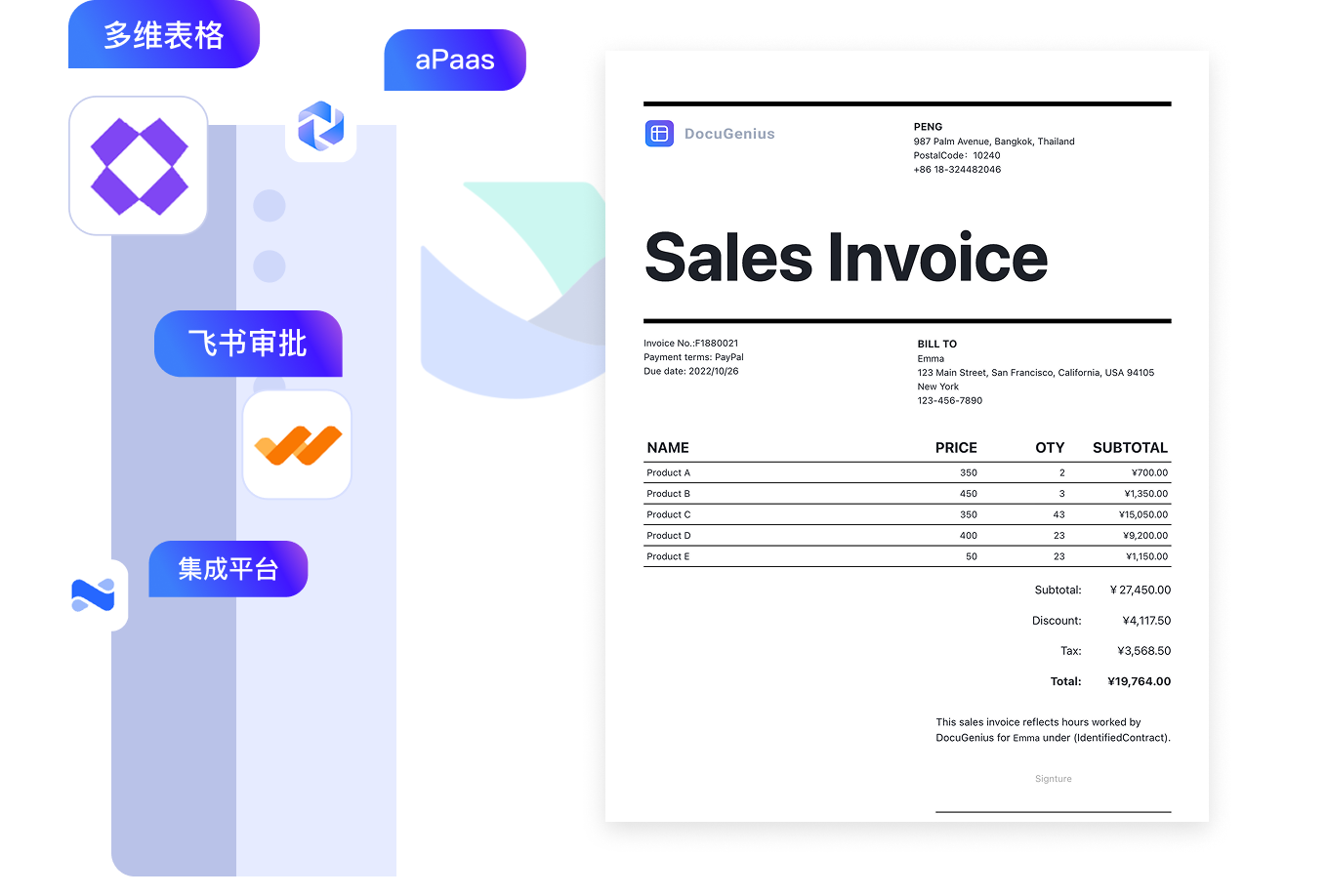
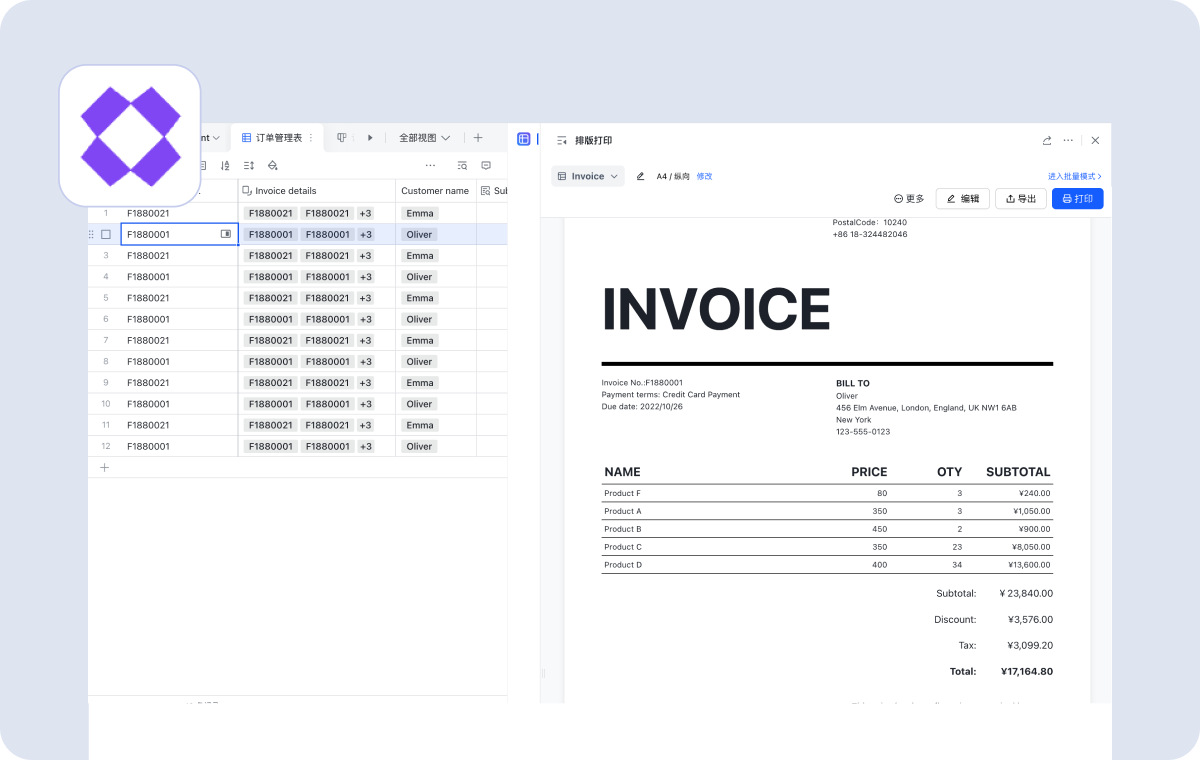
Feishu Base plugin for data-driven batch export

Apply templates from record details or batch mode with one click to generate PDF, image, or Office files. Repeating variables, multi-record export, continuous mode, label mode, write-back to attachment fields, and automatic sending are all supported.

Feature

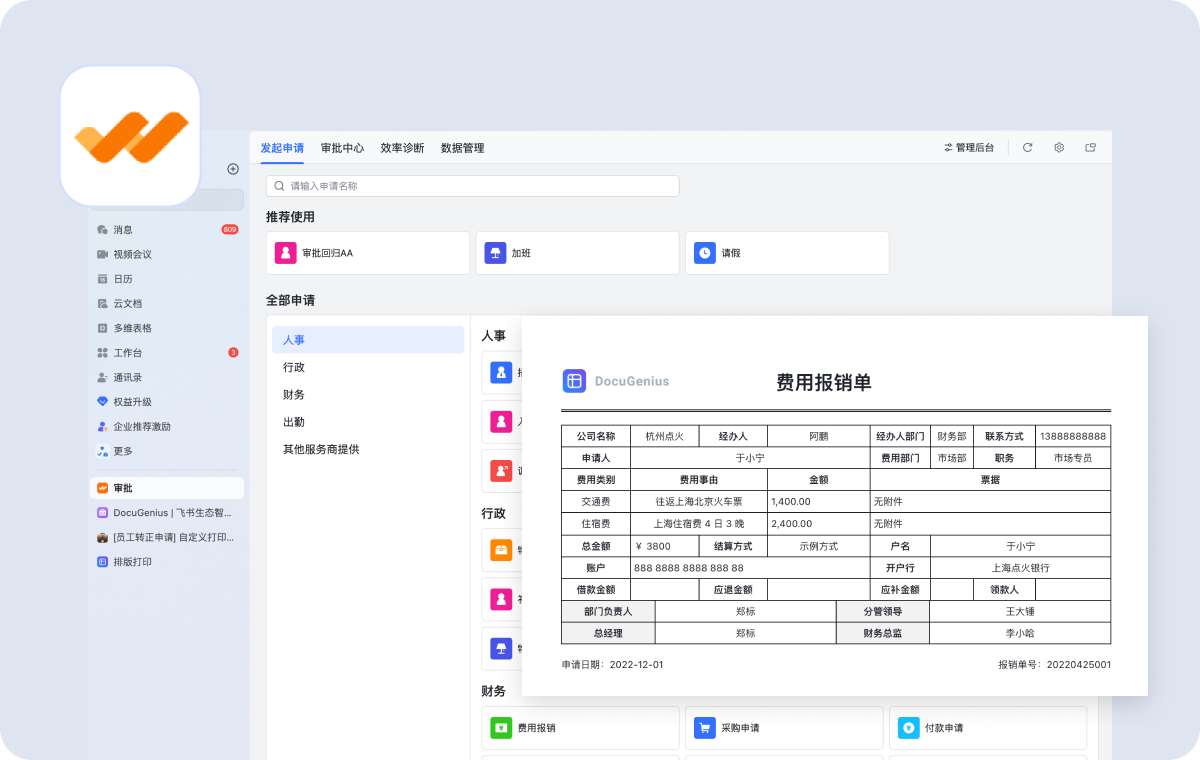
Feishu Approval printing and data sync

Use built-in or custom approval print templates, sync approval data including attachments and detail items into Feishu Base, then export and archive in bulk while rendering process steps, signatures, and other approval metadata.

Feature

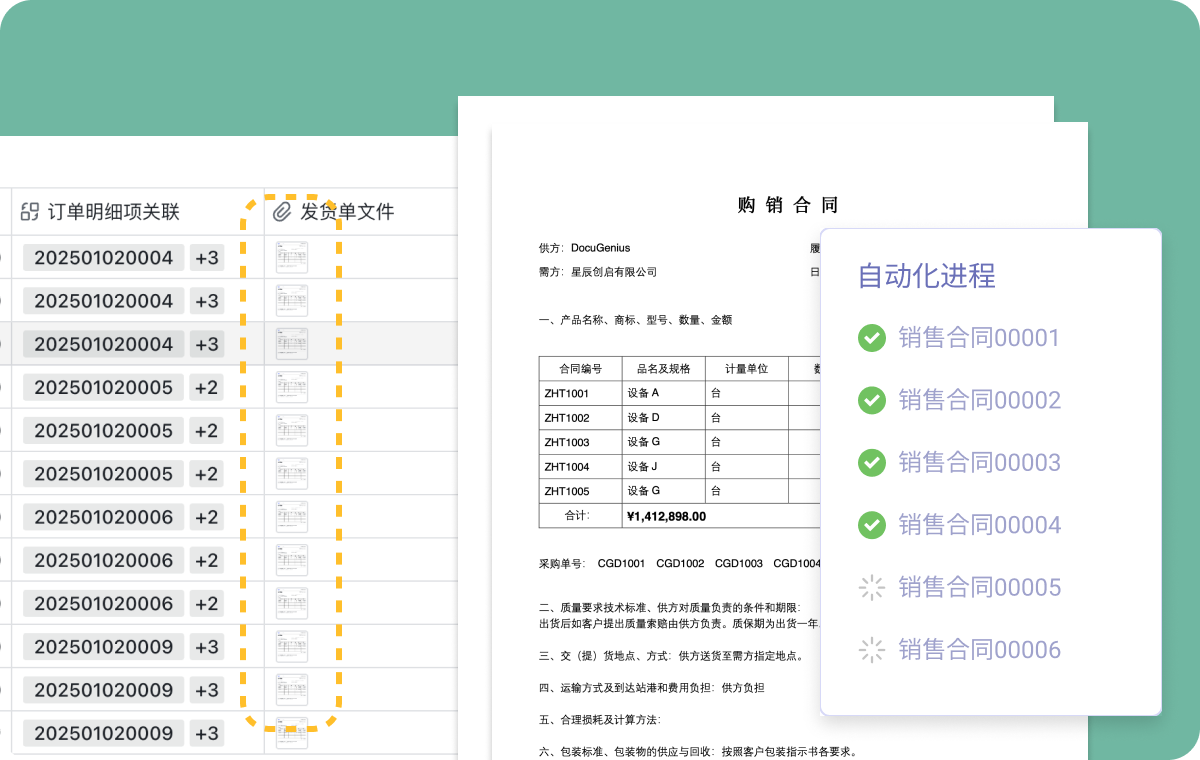
Automation and low-code workflows

Trigger exports by condition or schedule, write results back into attachment fields, and send notifications through email or messaging. Background execution mode helps with large jobs and reduces timeout or rate-limit risk.

Feature

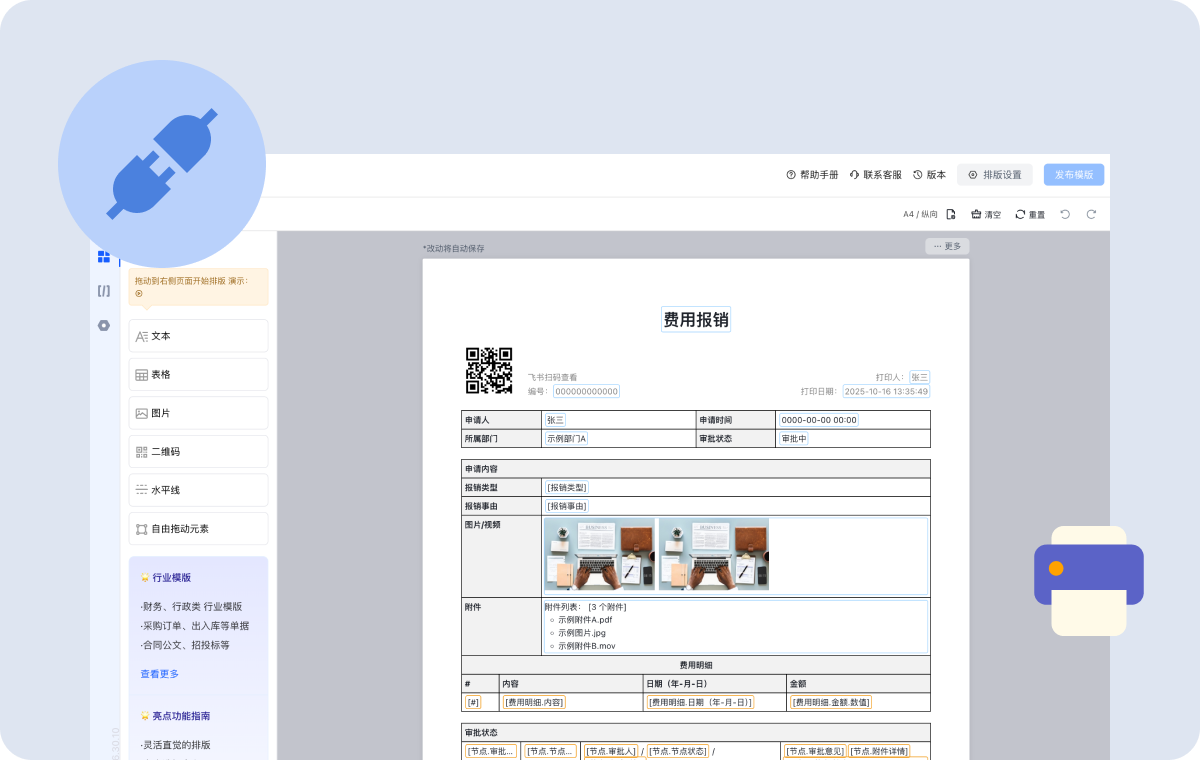
Open APIs and tenant-level authentication

Expose rendering and export APIs secured with tenant keys, app IDs, and gateway routing. Both online templates and Office templates are supported, and generated files can be returned through temporary URLs.

Feature

Q&A

Can I edit or preview templates directly inside Feishu Approval?

Yes. You can open the approval view URL to edit or preview templates and generate files based on approval versions or specific approval instances.

Can Feishu Base generate files automatically and write them back?

Yes. Automation can generate PDFs, images, DOCX files, and more, then write them back to specified attachment fields. Background mode is recommended for large batch jobs.

How does signature handling work for approval attachments?

You can treat the approval attachment as a template, configure signature variables, and generate a signed archival file automatically after approval is completed.

Does it support low-code tools and integration platforms?

Yes. DocuGenius provides open APIs and tenant-level authentication, and it also works with Feishu automation for no-code triggering.

Which template types and output formats are supported?

Online templates support PDF and image output, while Office templates support DOCX, XLSX, and PPTX workflows and can also be converted to PDF. Templates can be imported, exported, and reused.